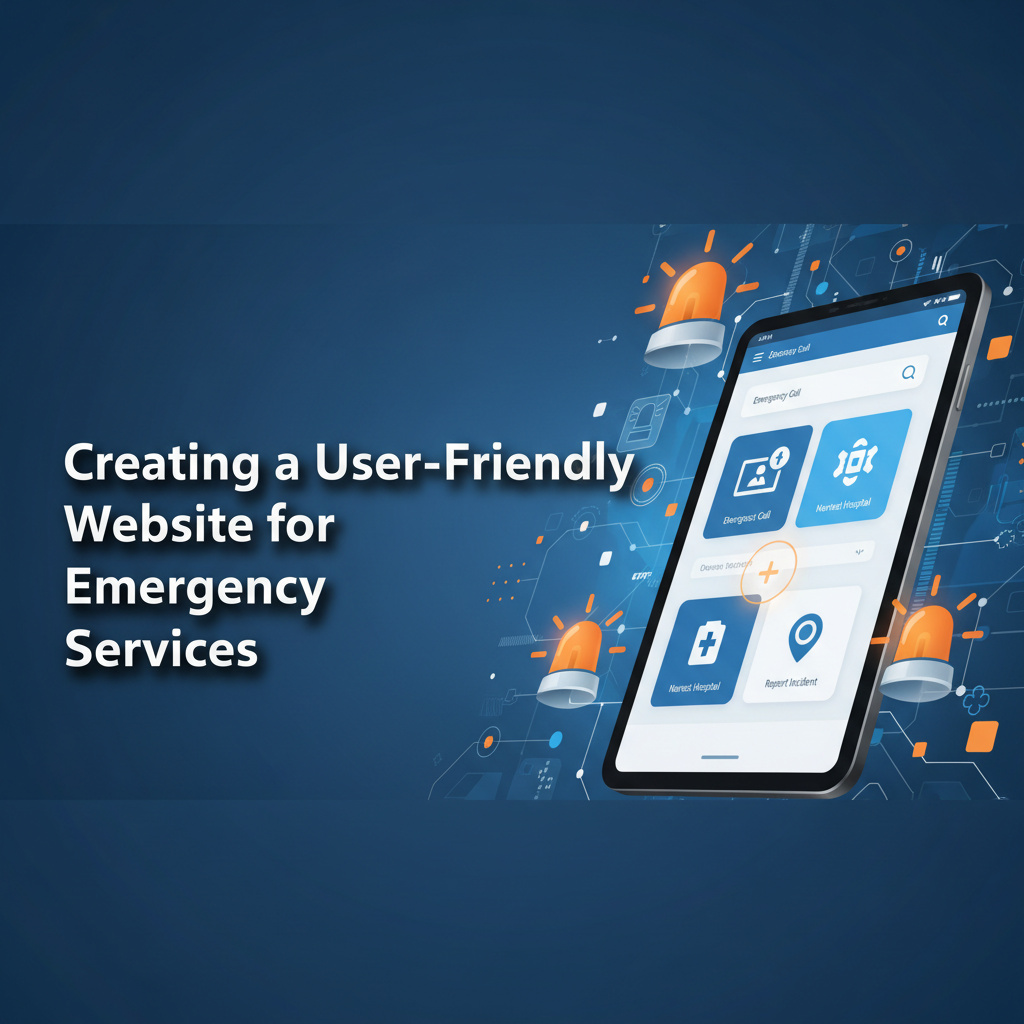
Website Design for Emergency Services: Enhancing Usability & Urgent Response
For emergency service businesses, a user-friendly website isn’t just a luxury—it’s a lifeline. When seconds count, your online presence must deliver critical information quickly and effectively. Here’s how to design a website that meets the unique needs of urgent services.
Why Usability Matters for Emergency Services
A well-designed website ensures that users can access essential information or contact services without delay. Key benefits include:
- Faster Response Times: Users find what they need instantly, reducing time wasted on navigation.
- Increased Trust: A professional, easy-to-use site instills confidence in your services.
- Improved Accessibility: Ensure all community members, including those with disabilities, can access your resources.
Essential Features of an Emergency Services Website
1. Clear Contact Information
Your phone number, address, and emergency contacts should be visible on every page. Use a sticky header or footer for easy access.
2. Intuitive Navigation
Organize content logically, with clear labels for services, FAQs, and emergency protocols. Consider a search bar for quick access.
3. Mobile Optimization
Many users will access your site on mobile devices. Ensure your design is responsive and loads quickly on all platforms.
Best Practices for Website Design
A. Use Simple, Direct Language
Emergency services need to communicate clearly. Avoid jargon and use plain language to convey critical information.
B. Incorporate Visual Hierarchy
Highlight important elements with larger fonts, bold colors, or buttons. This guides users to essential actions, like calling for help.
C. Add Interactive Features
- Live Chat: Provide instant support for urgent inquiries.
- Emergency Checklists: Offer downloadable resources for preparedness.
Real-World Examples of Effective Design
Here are a few emergency service websites that excel in usability:
- FEMA: Offers clear navigation and accessible disaster resources.
- Red Cross: Combines mobile optimization with interactive tools for preparedness.
- NFPA: Uses straightforward language and visuals to educate the public.
Measuring Your Website’s Impact
Track these metrics to evaluate your site’s effectiveness:
- Page Load Time: Aim for under 3 seconds to prevent user drop-off.
- Contact Form Submissions: Measure engagement and response rates.
- User Feedback: Regularly gather input to identify areas for improvement.
Take Action: Elevate Your Online Presence
Your website is often the first point of contact for those in need of urgent services. Make it count by prioritizing usability and accessibility. Need help optimizing your site? Reach out to Digi Apex for expert guidance.
Ready to transform your online presence? Let’s create a website that serves your community effectively.




0 Comments